 DarkFlight + Roost
Thermal video and bat calls, recorded together
DarkFlight brings a wide-angle thermal camera and full-spectrum detector into one battery-powered unit. After recording the survey, work through the evidence in Roost.
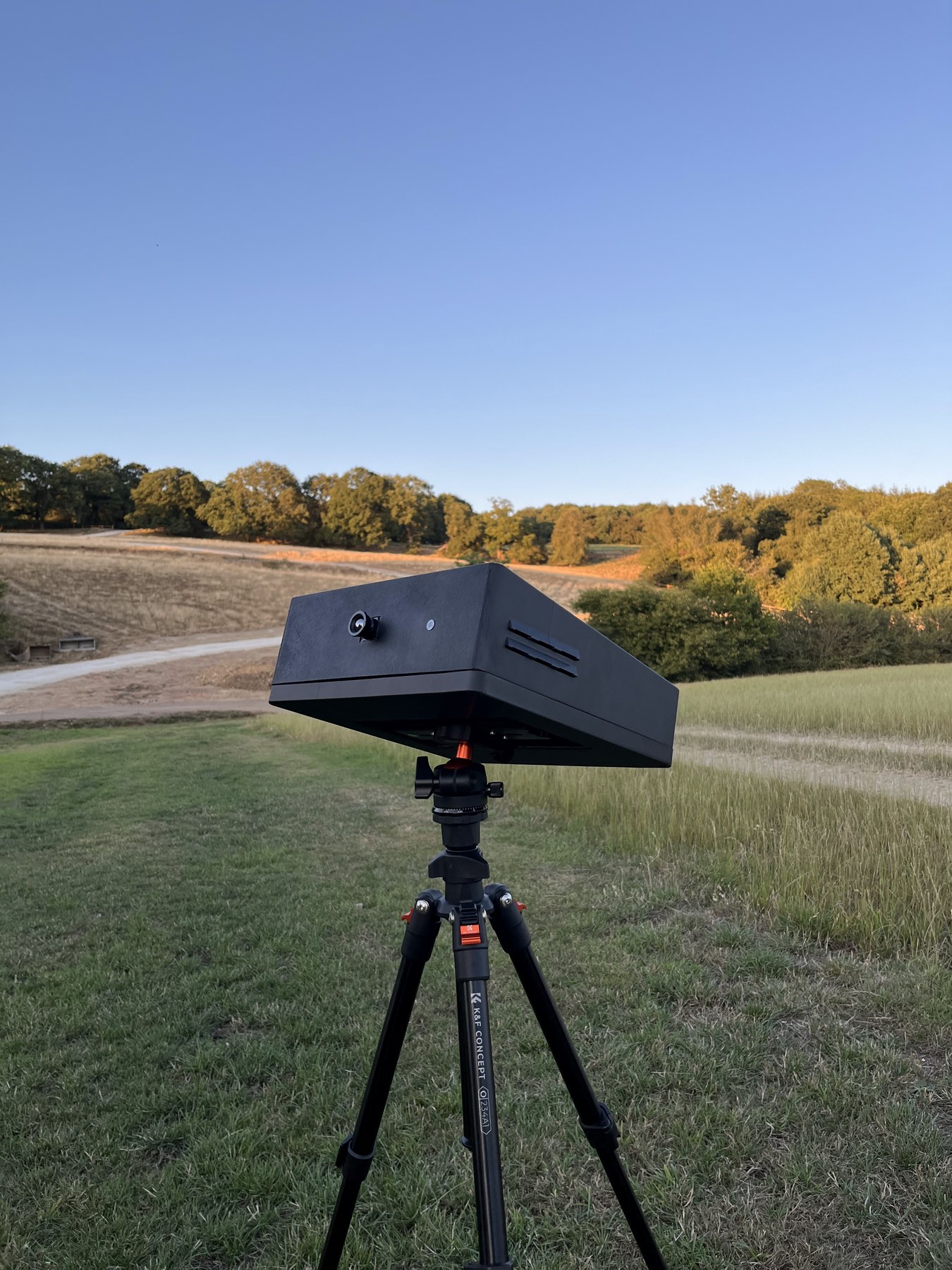
Using DarkFlight on a survey
Set up your view
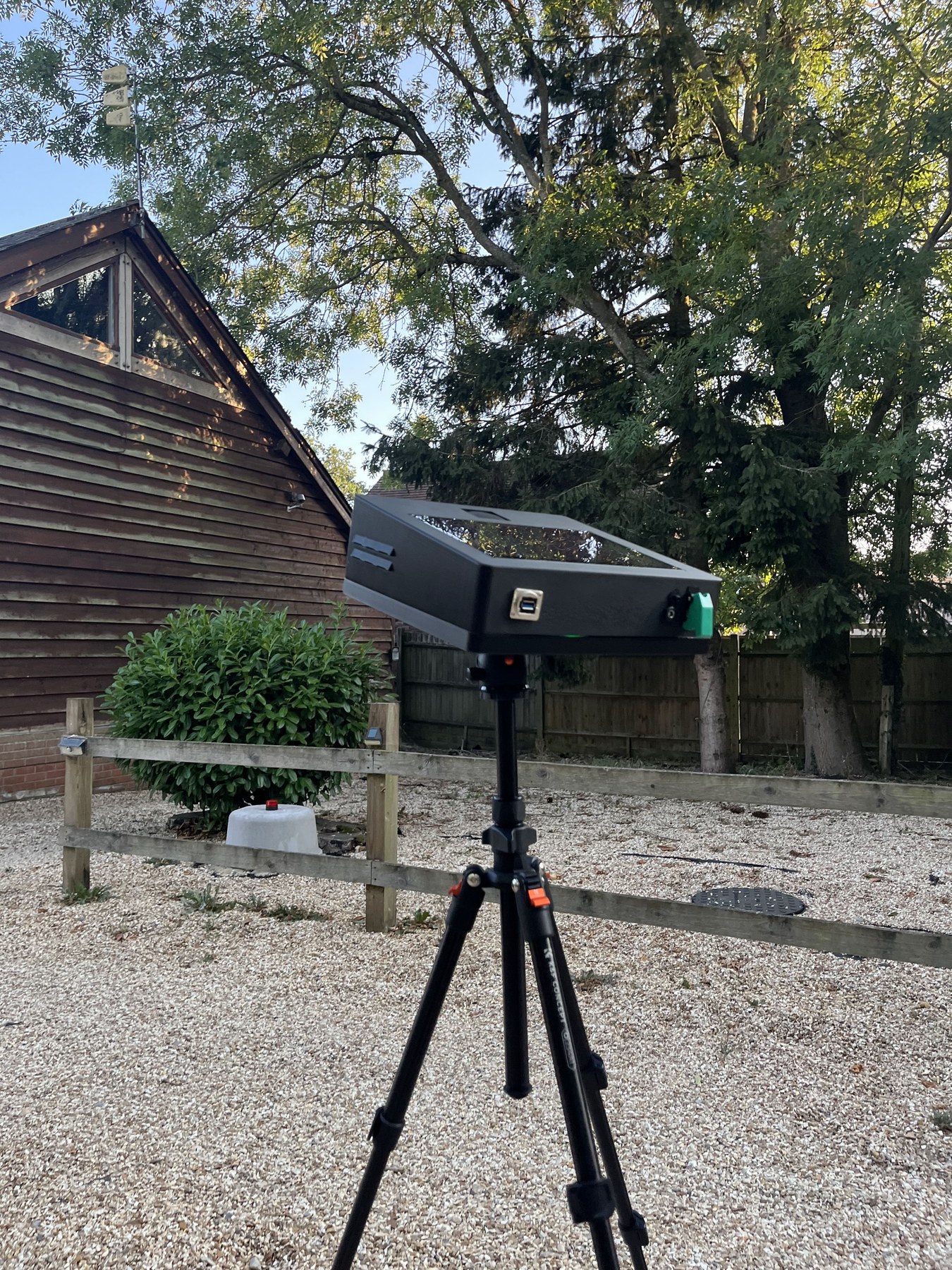
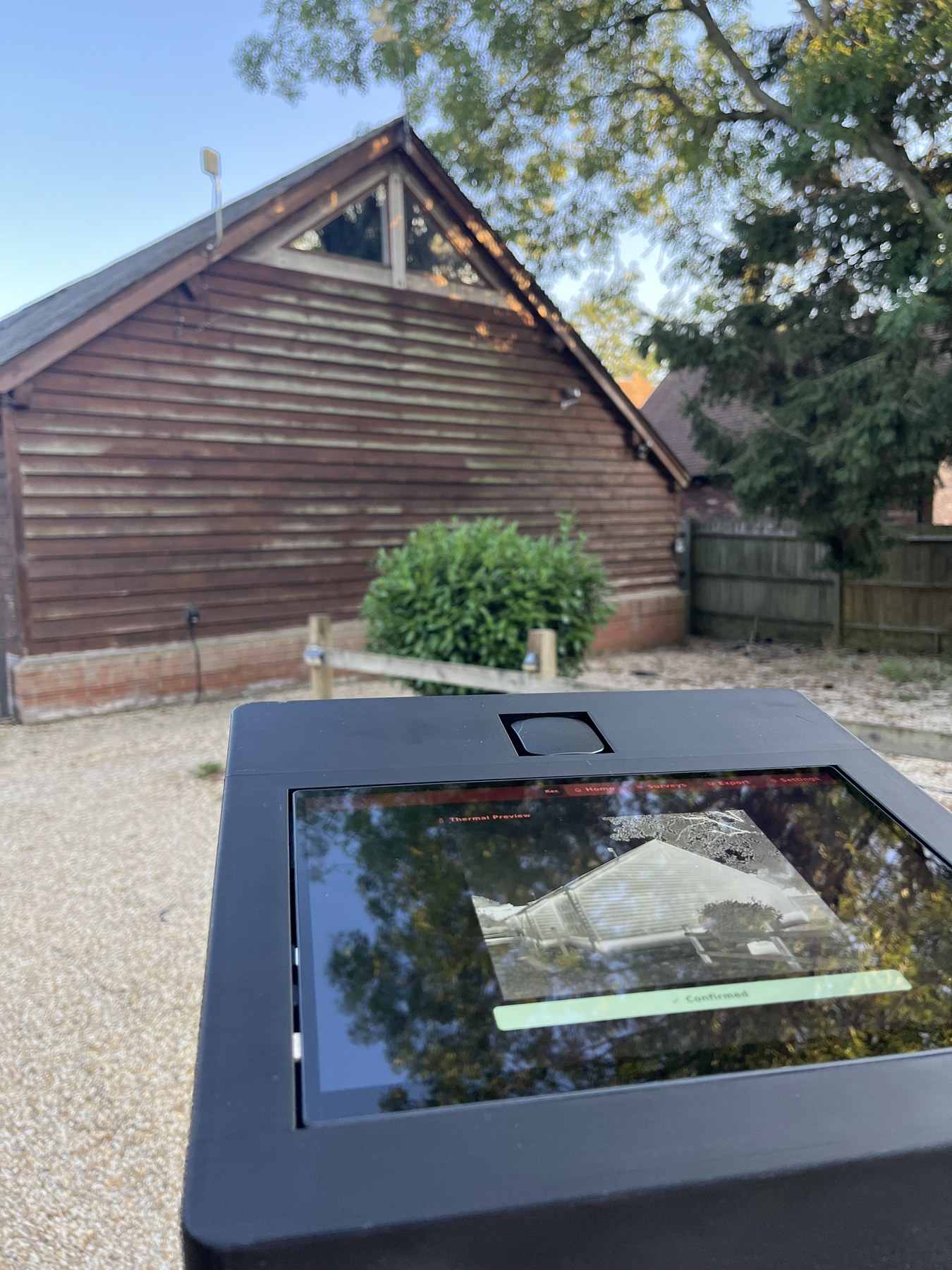
Mount DarkFlight on the provided Arca-Swiss tripod and frame the part of the building you need to cover. The thermal camera and built-in detector run from the unit’s battery. If you are using the optional wireless external detector, set it up near the roost feature and check its connection to the main unit. Its recording is synced to the DarkFlight timeline. Check the view and recording status on the screen before you begin.
Record the video and sound together
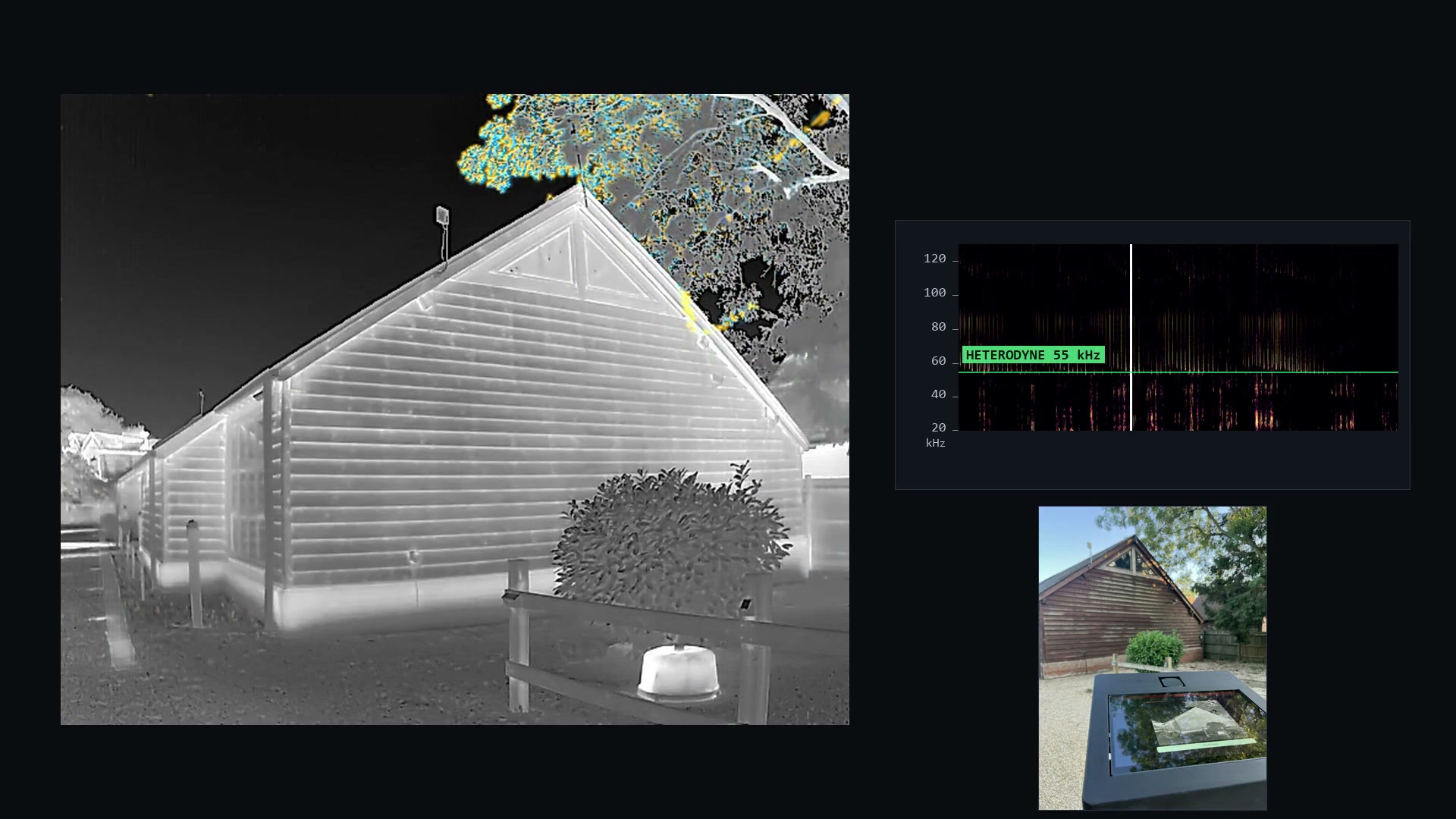
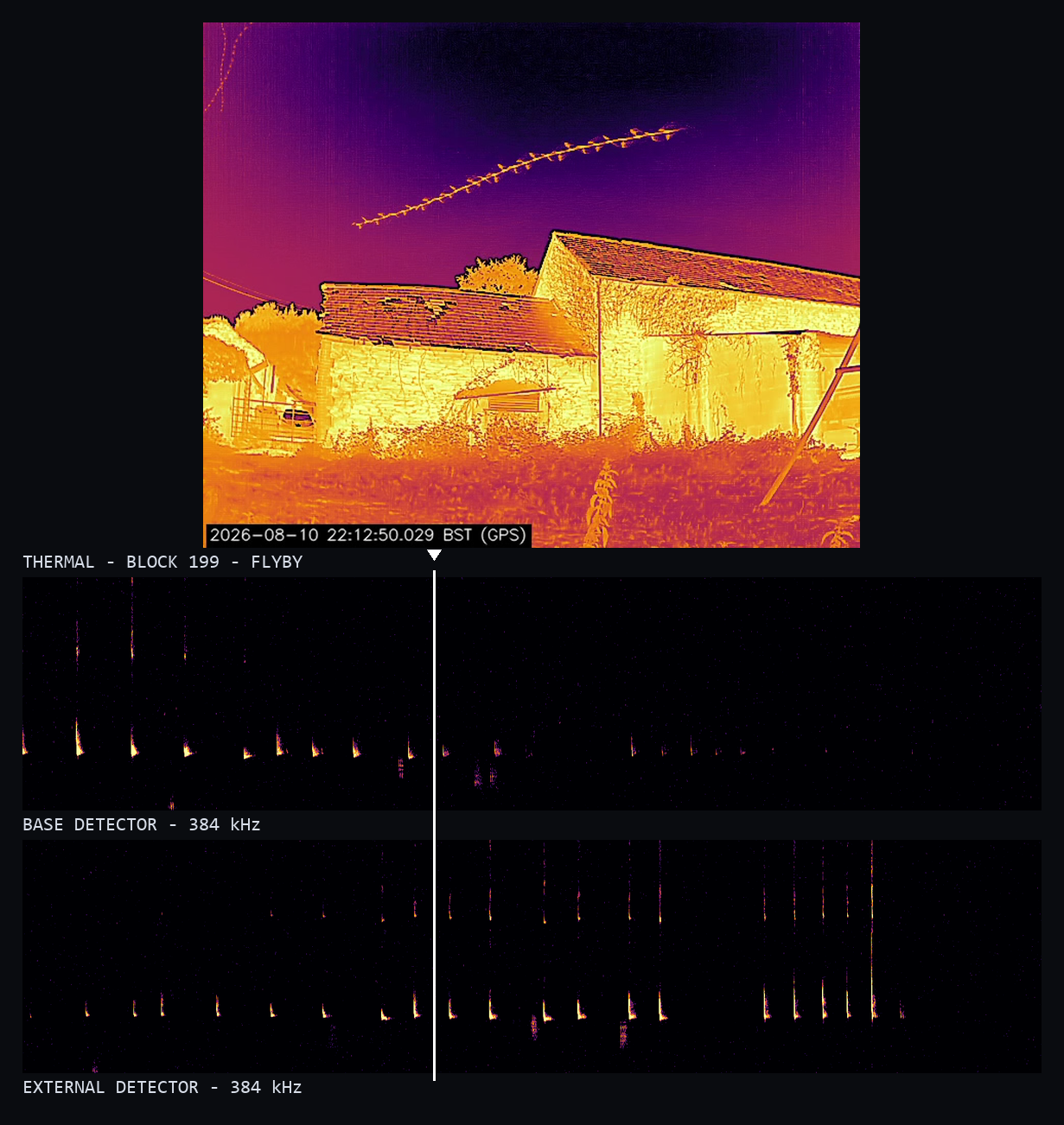
Thermal frames and audio share a common timeline from capture. Watch the thermal view with the rolling sonogram alongside it on the DarkFlight screen.
Send the survey to Roost
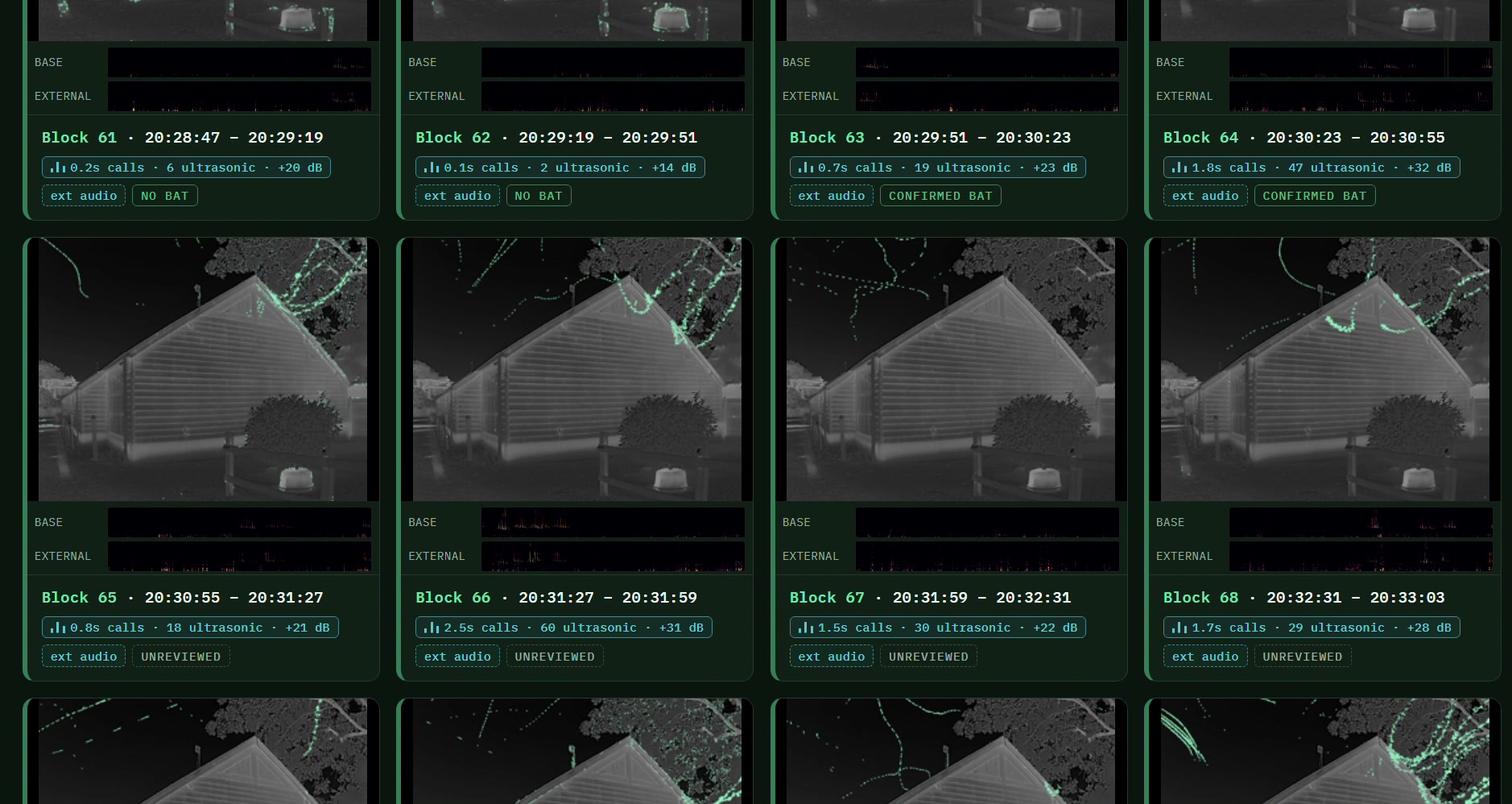
Upload the recording to your Roost account after the survey. Each 32-second block has a composite image to help you review the night, with the original thermal video and audio available when you open it.
Review and save the evidence
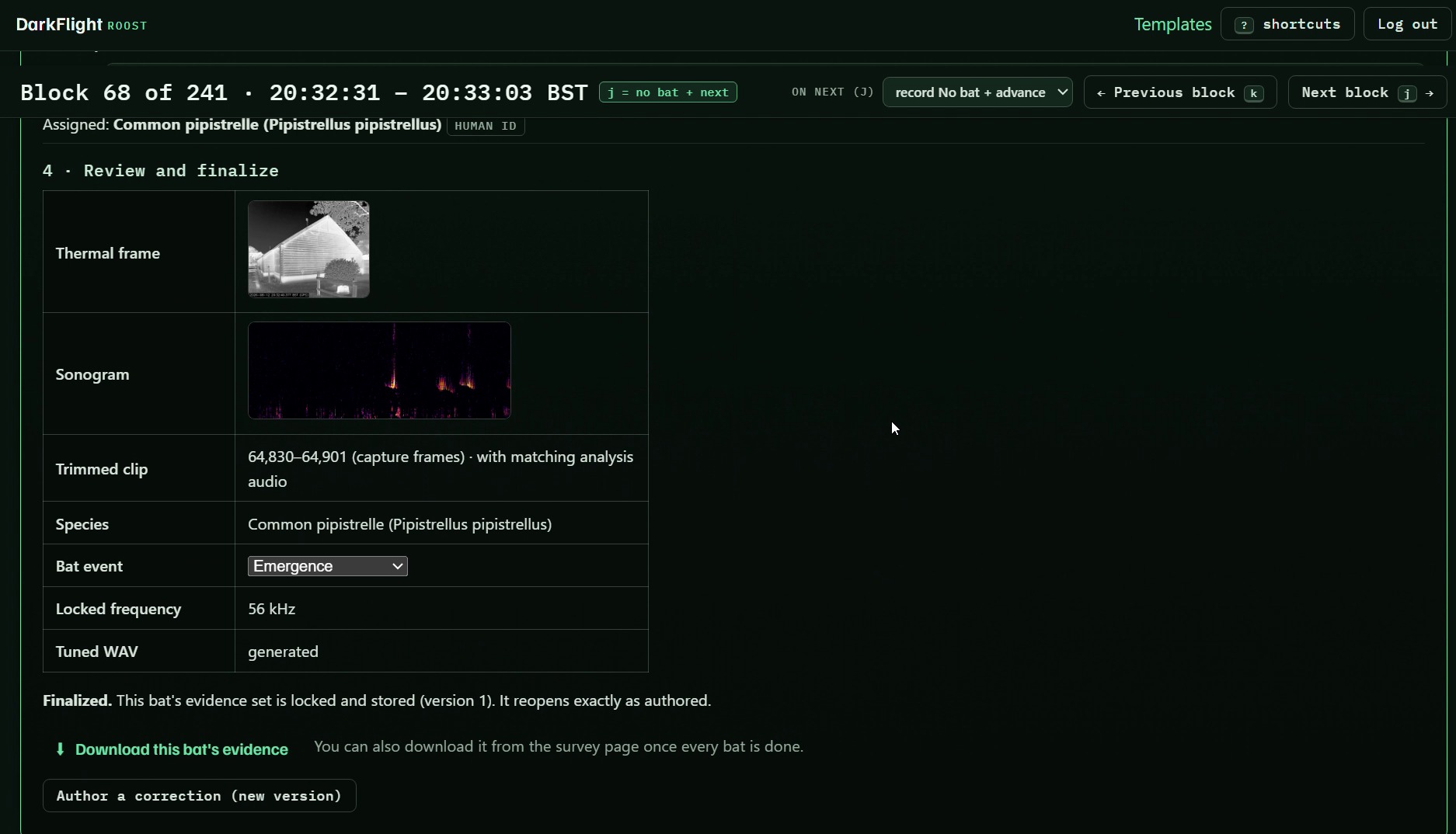
Work through the blocks and record what you find. Select the clips and frames that show an event, then save the supporting acoustic evidence with your decision for use in the report.
- Thermal camera and full-spectrum detector in one unit
- 10.1-inch screen
- Battery powered
- Arca-Swiss tripod mount
- 128 GB storage supplied, with larger options available
- Optional wireless external detector
- Review in Roost
Put the detector closer to the roost
The optional wireless external detector costs £300 to buy. Place it nearer the feature you are watching while DarkFlight keeps the thermal view from the survey position.
Its recording shares the DarkFlight timeline. Watch its rolling sonogram on the unit, then compare it with the built-in detector in Roost. A detector nearer the activity can give you a clearer acoustic record.
DarkFlight Standard and DarkFlight Pro
Both record thermal video and full-spectrum audio for review in Roost. The camera is the main difference.
DarkFlight Standard
£3,250
Non-radiometric thermal camera with an 80° field of view. Includes the first year of Roost access.
DarkFlight Pro
£9,999
Radiometric thermal camera with an 86° field of view. Includes the first year of Roost access.
UltraVision is available for recordings from both versions. Tell us about the sites you work on and we can help you choose a unit.
Roost after year one: £450 per unit per year, payable at £37.50 per unit a month. Updates are included.
View all purchase detailsUltraVision for a closer look
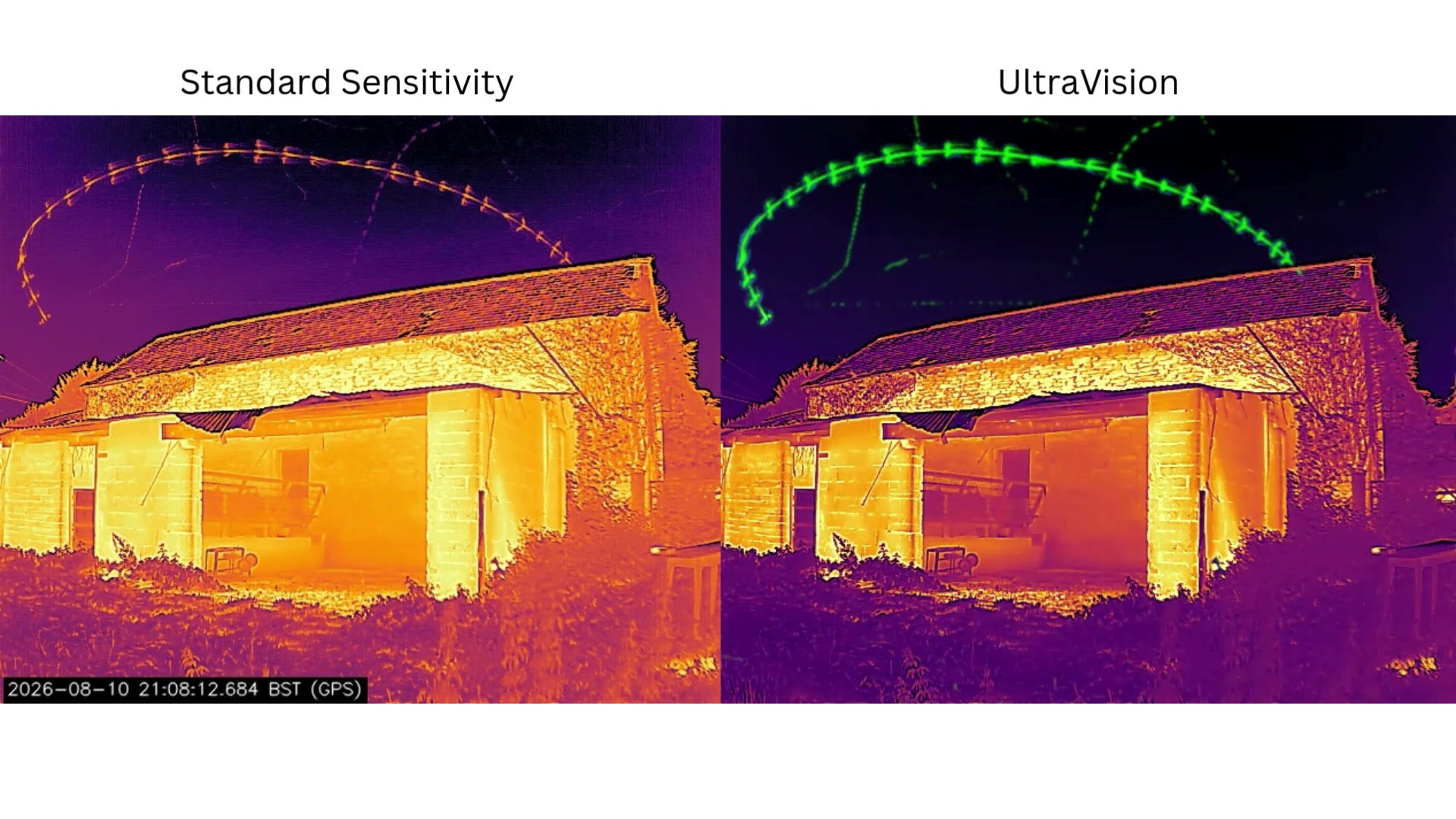
A bat can be difficult to see when it is close to the temperature of the background. UltraVision brings out changes in the thermal scene so movement is easier to follow.
Compare the enhanced view with the normal recording when an event needs closer inspection. Insects can show up clearly too, so the reviewer still needs to decide what moved.
Plan your survey positions
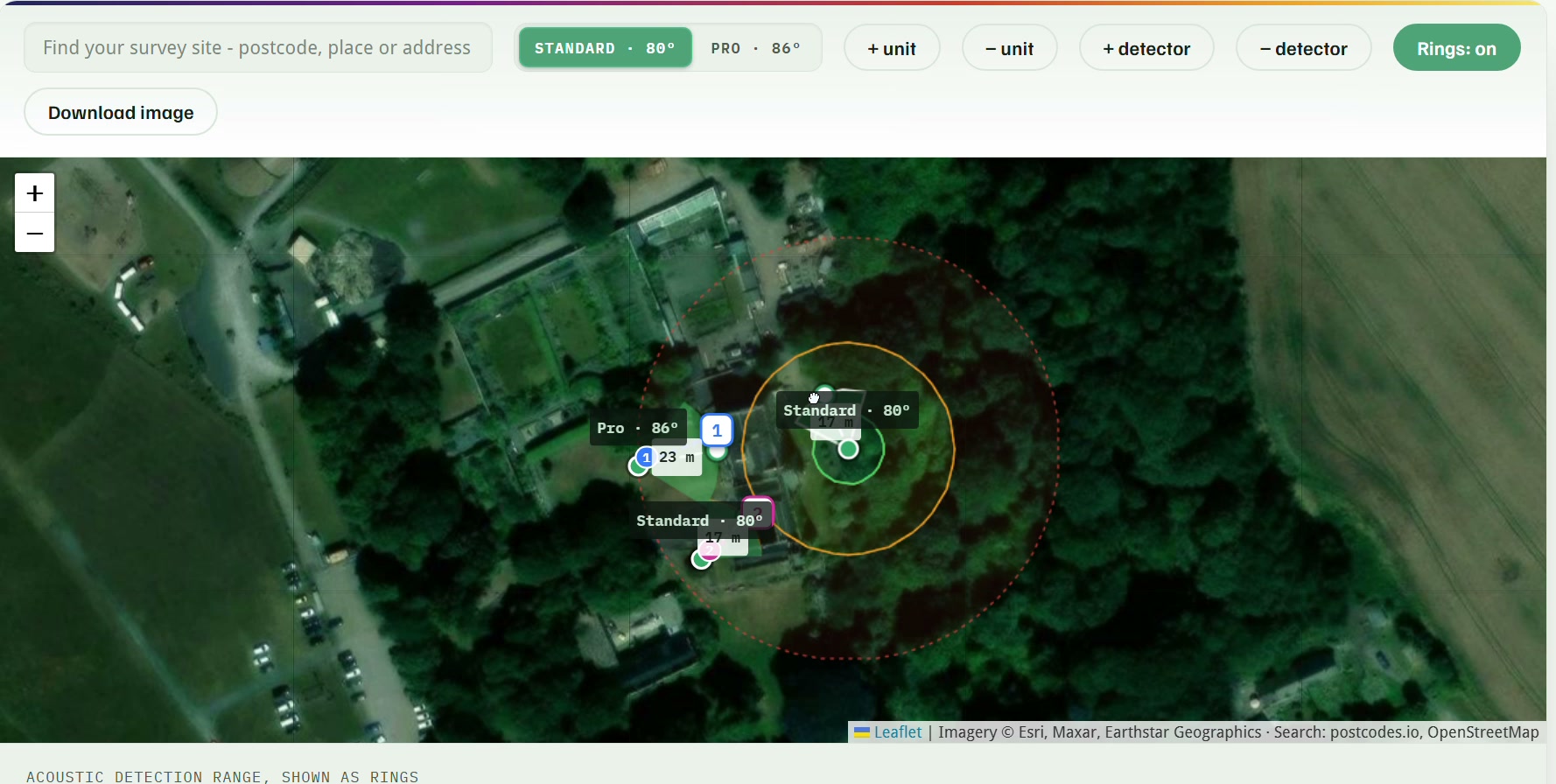
Use the coverage planner to sketch where you would place the DarkFlight units and any external detectors. It is a useful starting point before you check the view on site.
Send the plan with your enquiry and we can help you work through the equipment you need.
Would DarkFlight fit your work?
It may help if you run emergence or re-entry surveys and spend too much time finding events in the recordings afterwards. It is also worth considering when you need a thermal view across a building elevation and want the acoustic evidence alongside it during review.
If your existing kit already handles your surveys well, there may be little reason to change. Roost currently reviews DarkFlight recordings, so it will not process footage from the cameras you already own.
Tell us about your current setup when you enquire.
Talk us through your next survey
Tell us about the site and when you need the equipment. We can help you choose between hiring and buying, and work out whether an external detector would be useful.